Grok Bot for an AI side hustle: templates, delivery, and alternatives
How Grok Bot works, templates you can inspect, and a practical comparison with Dots, Claude Duet, Muse, Manus and Copilot Studio for a small competitor-research service.
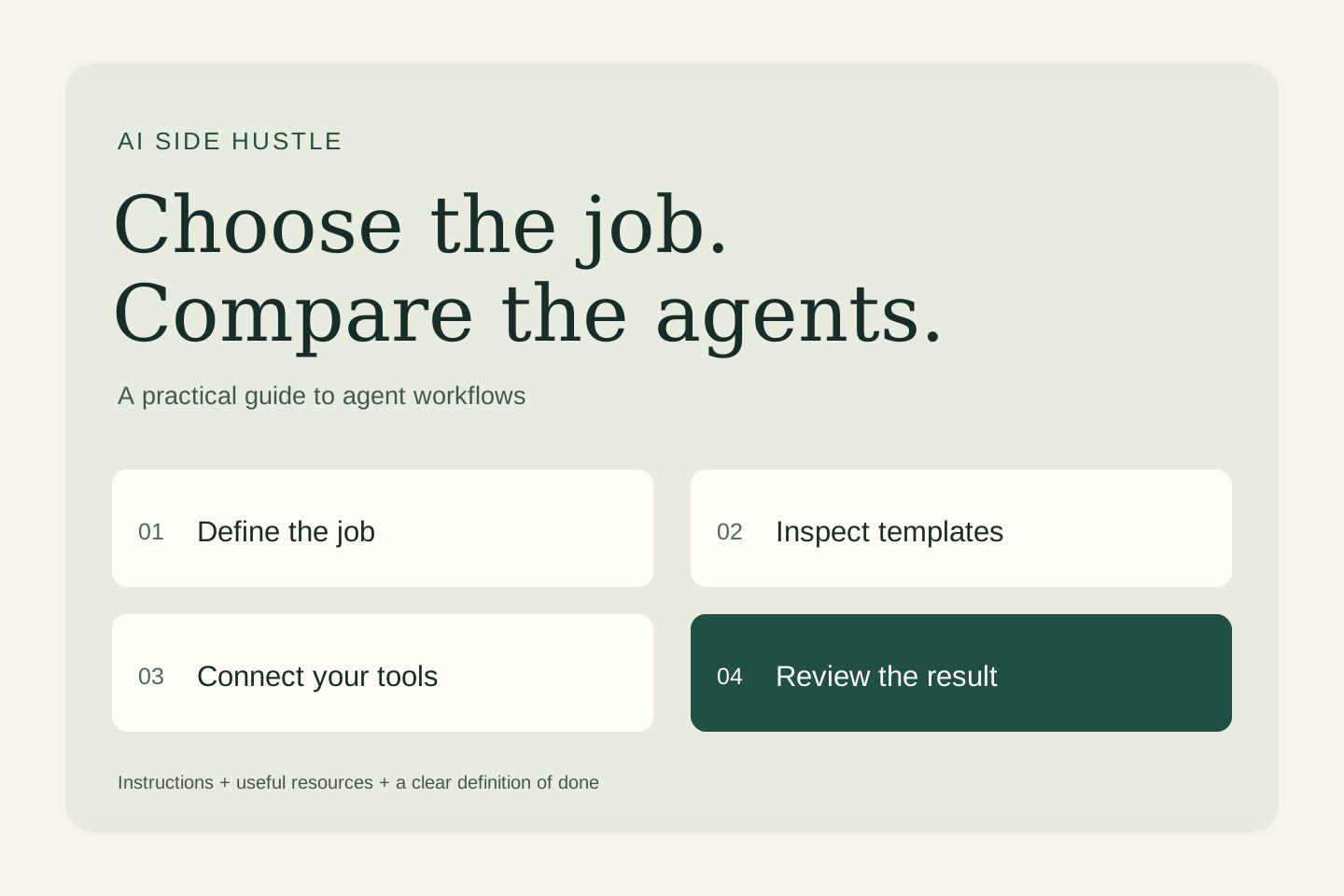
How Grok Bot works, templates you can inspect, and a practical comparison with Dots, Claude Duet, Muse, Manus and Copilot Studio for a small competitor-research service.
What Grok Bot is and how it works
Grok Bot is an agent workspace for assigning continuing jobs to named bots. A bot combines instructions, remembered context and tools, then works through steps on a persistent cloud computer. You can give it work by message and return to the result later. This is different from asking a chatbot for a suggestion and doing every step yourself. The official overview describes the workflow.
One important architecture detail: a user’s bots share a computer, including files and browser sessions. Separate bot names do not create separate client environments. A skill describes a reusable method; a routine specifies when work runs; a template packages selected setup for a new bot.
Where the benefits could show up
The practical opportunity is less repeated setup, fewer manual handoffs and more consistent preparation. A focused bot can keep the context of a recurring job and return a deliverable in the tools you use. These are reasons to run a pilot, not measured savings from this article. Website changes, expired logins, incomplete data and review effort can reduce the benefit.
Start with a recurring task whose result you can inspect. Compare total preparation, execution and correction time against your current process. A fast draft that takes longer to repair is not a successful pilot.
Grok Bot versus Dots, Duet and other notable alternatives
This is a documentation-based comparison checked on October 28, 2026, not a hands-on benchmark or a market-share ranking. The products overlap, but their setup and operating models differ.
| Product | Useful distinction | Availability | Templates and reuse |
|---|---|---|---|
| Grok Bot | Named specialist bots, shared cloud computer, reusable template setup. | Available through eligible plans; review current plan and usage terms. | Inspect role templates and then connect your own accounts. |
| OpenAI Dots | Ongoing responsibilities across conversations; can delegate work to Work or Codex. | Gradual rollout to eligible plans and regions; workspace controls apply. | Customize responsibilities, instructions and plugins. No one-click Grok-template import is established here. |
| Claude Duet | Proactive briefings and delegated work with Claude account context. | Waitlisted research preview, initially US Pro and Max. | Uses Claude skills and connected apps; preview access is not guaranteed. |
| Meta Muse | Personal and business tasks through a persistent browser and connected apps. | Public product offering; check account and regional availability. | Evaluate its skills and connectors for the job rather than assuming Grok templates transfer. |
| Manus | Research and creation of deliverables such as comparisons, slides and prototypes. | Public product offering; limits depend on the plan. | Reusable Skills and task-specific starting points; check the workflow you need. |
| Microsoft Copilot Studio | An agent-building platform for organizational workflows. | Requires suitable environment, access and licensing. | Agent Library includes Plan My Day, Know My Customer and Executive Briefing. |
Duet status: Anthropic opened its research preview on October 21. It is more precise to call it waitlisted than simply “coming soon.” Its announcement identifies additional forthcoming features, including a richer Shopify visual editor. Treat announced features separately from capabilities available to your account.
Grok Bot templates you can inspect today
The following listings were present in the official marketplace when checked. Creator descriptions explain intended behavior; they are not independent proof of quality. Open each listing and inspect the current instructions before adding it.
| Template and creator | Starting point |
|---|---|
| SEO & AEO Desk Adam Tanguay | Keyword research and content briefs; useful for planning a page. |
| Outbound Prospecting Krista Letz | Prospect research and outreach drafts; inspect the sending boundary. |
| Critiquito: Design Critique Manuel Muñoz Solera | Screen critique with prioritized fixes; not a substitute for user research. |
| QA bot Ulysses Ng | Acceptance checks on a live deployment; define what passing means. |
These are vendor-hosted marketplace listings, not templates created or tested by this publication. More roles are available in the Grok Bot Marketplace.
How to add, adapt and share a template
- Choose one job and inspect the template’s instructions, skills, memories, routines and requested integrations.
- Use the listing’s import or add flow, then review the new bot inside your account.
- Connect your own tools through their sign-in flows. A copied setup is not the creator’s authenticated environment.
- Replace assumptions with your audience, sources, output format and approval rules. Keep routines off until you have checked a manual run.
- Test an ordinary case and a case with missing or conflicting information. Review what the bot actually did.
- To share your adapted bot, use Share as Template, inspect the included material, choose team or public sharing, and publish the link when ready.
The official template guide explains that a template carries selected setup rather than the whole working environment. Custom scripts and MCP-server setup may need separate installation. Review the export for private material even when automatic exclusions are offered. Never put a password or API key in a shared prompt.
A useful first pilot for AI Side Hustle
Sell an explicit deliverable and review process. A template can reduce setup effort, but client discovery, source checks, revisions and accountability are still work. Time the complete service from intake to accepted delivery before naming a price or promising a turnaround.
Our editorial starting point: Grok Bot’s reusable roles are worth a small delivery pilot; Manus is another candidate for a discrete report, while Dots suits maintaining a client project over time.
Try a small competitor-research service. Use three approved competitor URLs, a customer brief and the delivery scope and request a sourced comparison and a short client-ready draft. This is an original suggested workflow, not a claim that a marketplace template already implements it.
Copy this starter brief
Adapt this original brief in whichever product you can access. It is a plain-language instruction example, not an installable marketplace template or a guarantee of cross-product compatibility.
Job: Prepare a small competitor-research service.
Inputs: three approved competitor URLs, a customer brief and the delivery scope.
Deliverable: a sourced comparison and a short client-ready draft.
Evidence: Link each factual claim to a supplied or approved source.
Uncertainty: Mark missing, conflicting or outdated information.
Permissions: Read and draft only. Ask before external changes.
Cadence: One manual trial; do not enable a recurring routine yet.
Review: Show the result, source list and unresolved decisions.
Stop: If access fails or the task exceeds this scope, explain the blocker.
Test the result before expanding the job
Use one unavailable page and one contradictory claim. The agent should flag the evidence gap, not invent the missing feature.
Run the same small, redacted input through the candidates you can access. Record evidence accuracy, completeness, unauthorized actions, correction time and total cost. Require source links to open, missing facts to remain visibly missing, and external actions to stay within the agreed boundary. A source-backed result and a recoverable failure are more useful than an impressive narrative.
Only add scheduling after the manual workflow works. Specify the timezone, frequency, end date and notification destination, then inspect the configured routine. Test how to pause it. Instructions alone do not prove that a schedule or permission control has been configured.
Which one should you choose?
Choose around the responsibility, the tools you already use, the available account access and the review you can sustain. Grok Bot deserves attention for reusable specialist roles. Dots is designed around ongoing responsibility; Duet emphasizes proactive attention and prepared work. Muse, Manus and Copilot Studio provide other operating models worth checking against your task.
Budget for usage as well as subscriptions, connected services, setup and human review. Grok Bot lists weekly included usage and additional usage charges. Duet shares plan limits with Claude; work Dots delegates to Work or Codex uses those products’ limits. Check current terms before paying. Do not read a subscription price as unlimited autonomous work.
Read our guide to using and creating AI skills for the reusable-method foundation. Scope your first AI workflow service.
Sources and availability
- Grok Bot overview
- Grok Bot plans and shared computer
- Grok Bot template guide
- Grok Bot Marketplace
- OpenAI: Meet dots
- Claude Duet: research preview
- Claude Duet announcement
- Meta Muse
- Manus for product work
- Microsoft Agent Library templates
Official product documentation and listings checked October 28, 2026. Features, template contents and account eligibility can change. Examples and starter briefs are original editorial suggestions; no comparative product testing or savings measurement is claimed.